
In today’s fast-paced digital world, efficiency is key. Tools that combine multiple functions and automate tasks can be invaluable.
Introducing the SheetMagic Lifetime Deal! This incredible tool merges ChatGPT with Google Sheets, offering a seamless way to create bulk AI content, analyze data, and automate workflows. No need for technical skills, as SheetMagic’s user-friendly interface makes it easy for anyone to use. Imagine generating AI content, scraping web data, and organizing all your information in one place. With plans starting at just $69, you get lifetime access to all features. Plus, there’s a 60-day money-back guarantee. Don’t miss out on enhancing your productivity! Check out SheetMagic now!
Introduction To Sheetmagic Lifetime Deal
Discover the SheetMagic Lifetime Deal, a unique opportunity to integrate ChatGPT with Google Sheets. This innovative tool helps users create AI-generated content in bulk, interact with data, and automate workflows effortlessly. Say goodbye to tedious tasks and experience a new level of efficiency and convenience.
Overview Of Sheetmagic
SheetMagic is designed to combine the power of ChatGPT with Google Sheets. This integration offers a seamless platform to generate bulk AI content directly within your spreadsheets. It provides numerous features that make data management and content creation easier and more efficient.
Some of the main features include:
- AI Content Creation: Generate bulk AI content in Google Sheets.
- Data Analysis: Summarize and analyze large data sets.
- Web Scraping: Scrape web pages and search engines for real-time data.
- No-Code Interface: User-friendly, no technical skills required.
- Integrations: Compatible with Elementor, Google Sheets, and WordPress.
- Prompt Library: Access popular prompts and ideas.
- Unlimited Scraping Functions: Over 10 scraping functions available.
Purpose Of Sheetmagic In Spreadsheet Management
The primary purpose of SheetMagic is to enhance spreadsheet management. It allows users to automate tasks, saving time and effort. By integrating ChatGPT with Google Sheets, users can create, manage, and analyze data more efficiently.
Key benefits include:
- Efficiency & Convenience: Automate tedious tasks and save time.
- Informed Decision-Making: Access real-time data for better insights.
- Cost-Saving: Consolidate multiple tools into one, reducing expenses.
- Data Organization: Easily structure and analyze data for reporting.
- Versatility & Customization: Tailor data extraction to specific needs.
SheetMagic offers different pricing plans to suit various needs:
| Plan | Price | Features |
|---|---|---|
| Plan 1 | $69 (One-time purchase, Lifetime access) | All features included, 1 user license |
| Plan 2 | $138 (One-time purchase, Lifetime access) | All features included, 5 user licenses |
| Plan 3 | $207 (One-time purchase, Lifetime access) | All features included, 15 user licenses, Create unlimited AI images in Sheets, Access to GPT-4, GPT-4 Turbo, GPT-Vision, Dall-E, OpenRouter integration with access to 100+ other AI models |
Each plan includes a 60-day money-back guarantee, offering a risk-free trial period. Whether you are a blogger, marketer, or solopreneur, SheetMagic provides a versatile and cost-effective solution for your spreadsheet management needs.
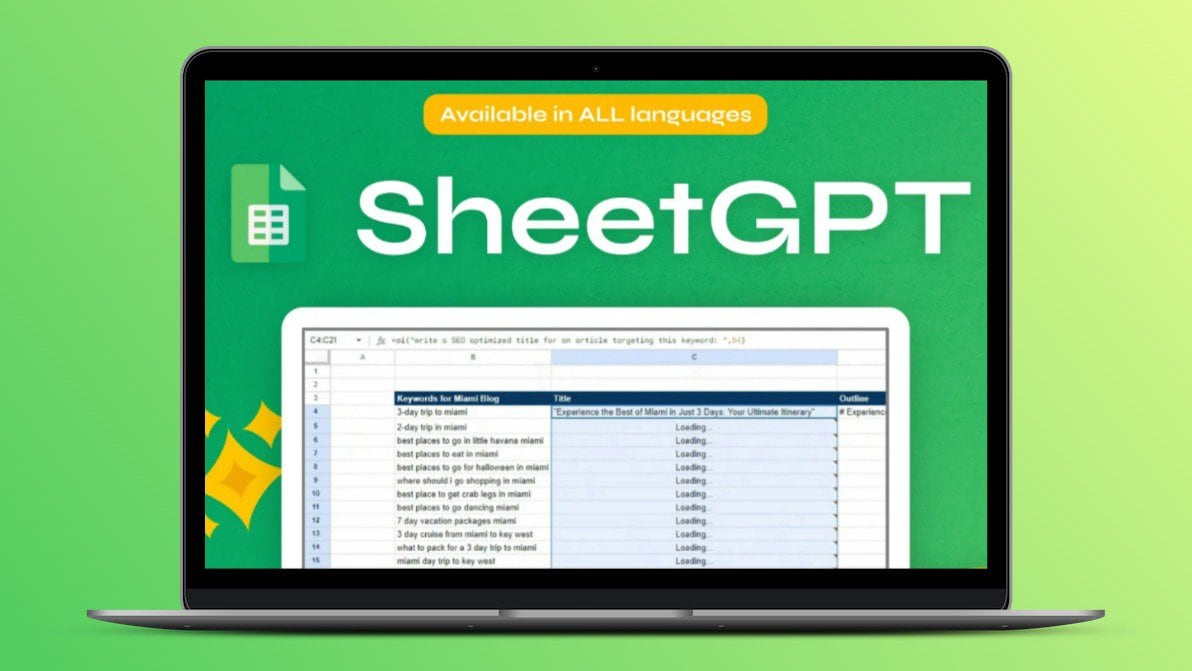
Credit: lifetimo.com
Key Features Of Sheetmagic
SheetMagic offers a blend of powerful features that enhance productivity and streamline workflows. From automated data entry to real-time collaboration, SheetMagic integrates seamlessly with Google Sheets, allowing users to harness the power of AI for various tasks. Below are the key features that make SheetMagic an indispensable tool for anyone working with data.
Automated Data Entry
With SheetMagic, data entry is no longer a manual and time-consuming task. This tool automates the process, enabling users to input data swiftly and accurately. By leveraging the capabilities of ChatGPT, you can generate bulk AI content directly in Google Sheets. This feature is particularly useful for those handling large datasets, as it reduces human error and increases efficiency.
Advanced Formula Assistance
Formulas are the backbone of any spreadsheet, and SheetMagic makes it easier to work with them. The tool provides advanced formula assistance, helping users to implement complex calculations effortlessly. Whether you need to summarize data, perform statistical analysis, or carry out financial modeling, SheetMagic’s formula assistance ensures precision and reliability.
Customizable Templates
Every project is unique, and SheetMagic understands this well. It offers a variety of customizable templates that cater to different needs. These templates are designed to save time and ensure consistency across your data projects. Whether you are preparing a report, conducting an analysis, or managing a project, you can tailor these templates to fit your specific requirements.
Real-time Collaboration
Collaboration is key to successful data management, and SheetMagic facilitates this through its real-time collaboration feature. Multiple users can work on the same spreadsheet simultaneously, making it easier to share insights and updates. This feature is especially beneficial for teams working remotely or across different locations, ensuring everyone stays on the same page.
Data Visualization Tools
Understanding data at a glance is crucial, and SheetMagic offers robust data visualization tools to help with this. With a range of charts, graphs, and other visualization options, you can present your data in a clear and engaging manner. These tools make it easier to identify trends, patterns, and outliers, aiding in more informed decision-making.
In summary, SheetMagic integrates seamlessly with Google Sheets to offer a wide array of features designed to enhance productivity and streamline workflows. Its automated data entry, advanced formula assistance, customizable templates, real-time collaboration, and data visualization tools make it an invaluable resource for anyone working with data.
Pricing And Affordability
SheetMagic offers a range of pricing plans designed to suit different needs and budgets. Its one-time payment structure ensures you get lifetime access without recurring fees. Let’s break down the pricing and its affordability.
One-time Payment Structure
SheetMagic provides a straightforward one-time payment system. This means that you pay once and enjoy lifetime access. Here are the details:
- Plan 1: $69 – Includes all features, 1 user license.
- Plan 2: $138 – Includes all features, 5 user licenses.
- Plan 3: $207 – Includes all features, 15 user licenses, and additional AI model access.
This structure ensures that you get the best value without worrying about monthly or annual fees.
Cost Comparison With Competitors
Let’s compare SheetMagic with similar tools in the market:
| Feature | SheetMagic | Competitor A | Competitor B |
|---|---|---|---|
| One-Time Payment | $69 – $207 | $99/month | $50/month |
| Lifetime Access | Yes | No | No |
| AI Content Creation | Yes | Yes | Yes |
| Web Scraping | Yes | No | Yes |
As seen, SheetMagic’s one-time payment offers great value compared to competitors with monthly fees.
Long-term Savings And Roi
Investing in SheetMagic saves money in the long run. With a one-time payment, you avoid ongoing costs. This leads to significant long-term savings.
Here are some potential savings:
- Elimination of monthly subscription fees.
- Combining multiple tools into one reduces overall expenses.
- Boost in productivity saves time, translating to financial savings.
These savings contribute to a higher Return on Investment (ROI), making SheetMagic a wise choice for budget-conscious users.
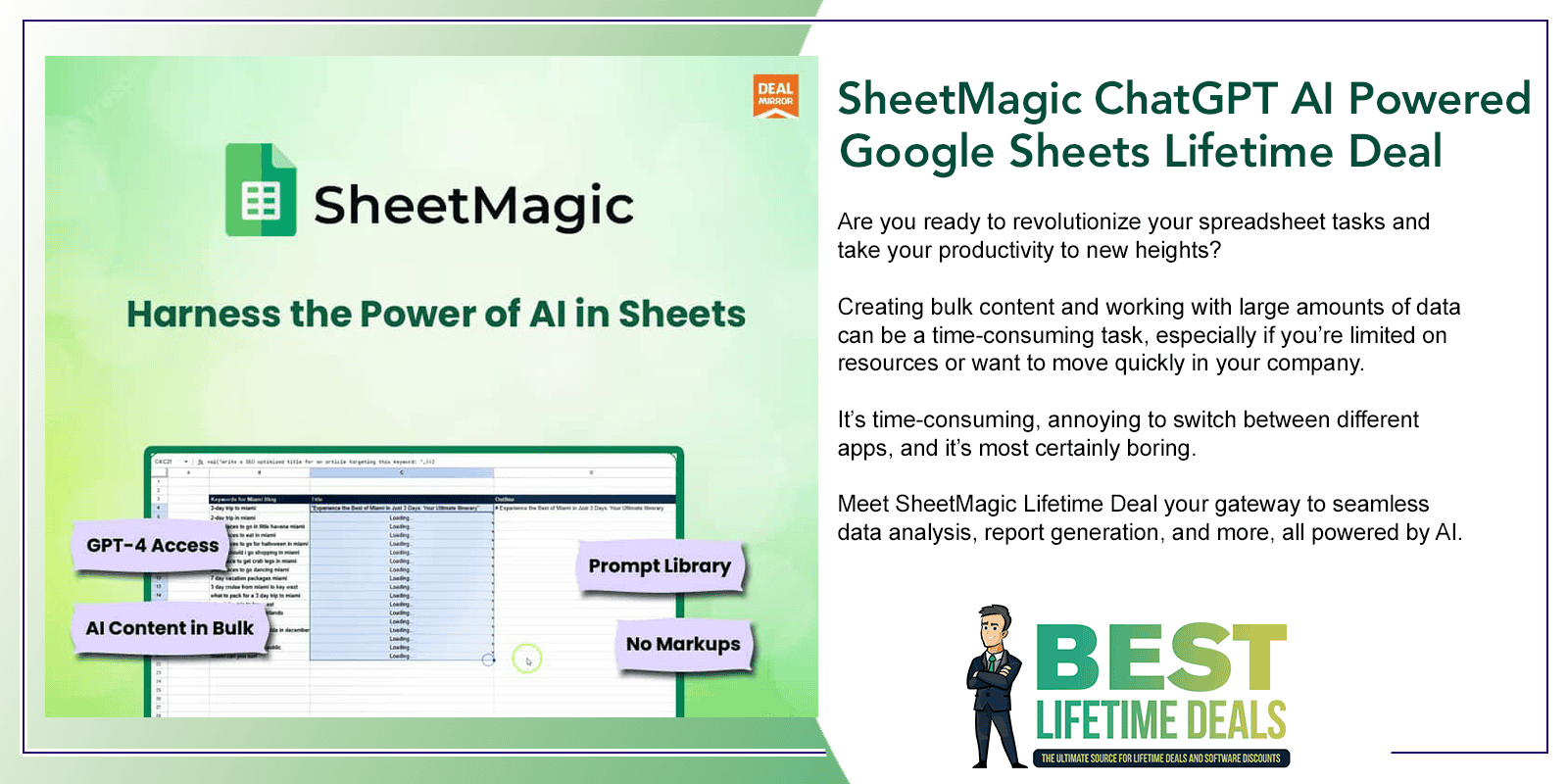
Credit: bestlifetimedeals.com
Pros And Cons Of Sheetmagic
Sheetmagic offers a range of powerful features by integrating ChatGPT with Google Sheets. This section will explore the advantages and potential drawbacks of using Sheetmagic.
Advantages Of Using Sheetmagic
Sheetmagic provides numerous benefits to enhance productivity:
- AI Content Creation: Generate bulk AI content directly in Google Sheets using ChatGPT.
- Data Analysis: Summarize and analyze large data sets efficiently.
- Web Scraping: Scrape web pages and search engines for real-time data.
- No-Code Interface: User-friendly, no technical skills required.
- Integrations: Compatible with Elementor, Google Sheets, and WordPress.
- Prompt Library: Access popular prompts and ideas for usage.
- Unlimited Scraping Functions: Over 10 scraping functions available.
Using Sheetmagic can save time and effort by automating tedious tasks. It helps in making informed decisions with real-time data access. Additionally, it consolidates multiple tools into one, thereby reducing expenses. The tool also allows users to easily structure and analyze data for reporting. Moreover, it offers versatile and customizable data extraction.
Potential Drawbacks And Limitations
Despite its many advantages, Sheetmagic has some limitations:
- Cost: The initial one-time purchase cost might be high for some users.
- User Licenses: Limited user licenses per plan may not be sufficient for larger teams.
- Learning Curve: Users may need some time to familiarize themselves with the tool.
- Dependence on AI: Over-reliance on AI-generated content might reduce creativity.
While Sheetmagic offers a 60-day money-back guarantee, the initial investment may still be a consideration. Larger teams may find the user license limitations challenging. Additionally, there might be a learning curve for new users. Over-reliance on AI-generated content could potentially hinder creativity.
Ideal Users And Scenarios For Sheetmagic
SheetMagic integrates ChatGPT with Google Sheets. It helps users create bulk AI content, analyze data, and automate tasks. This tool suits different users and scenarios, making work more efficient and data-driven. Below are some ideal users and scenarios for SheetMagic.
Best Use Cases For Professionals
Professionals can benefit greatly from using SheetMagic. It helps them manage data, create content, and save time. Below are some specific use cases:
- Content Creators: Generate bulk AI content for blogs, social media, and newsletters.
- Data Analysts: Summarize and analyze large data sets efficiently.
- Marketers: Automate marketing tasks, create reports, and gather insights from data.
- SEO Experts: Scrape web pages and search engines for real-time data and trends.
Suitability For Small To Medium Businesses
Small to medium businesses can use SheetMagic to streamline operations and reduce costs. Here are some ways it can help:
| Use Case | Benefit |
|---|---|
| Automating Tasks | Saves time and reduces manual work. |
| Data Management | Organizes data for better decision-making. |
| Content Creation | Generates engaging content quickly. |
| Cost Reduction | Consolidates multiple tools into one. |
How Enterprises Can Benefit
Enterprises can leverage the power of SheetMagic to enhance productivity and efficiency. Here are some key benefits:
- Scalability: Handle large data sets and create content at scale.
- Customization: Tailor data extraction and workflows to specific needs.
- Integrations: Seamlessly integrate with existing tools like Elementor and WordPress.
- Cost Efficiency: Reduce expenses by consolidating tools and automating tasks.
With its versatile features, SheetMagic offers a valuable solution for various users and scenarios.

Credit: www.linkedin.com
Frequently Asked Questions
What Is Sheetmagic Lifetime Deal?
Sheetmagic Lifetime Deal is a one-time purchase offer. It provides lifetime access to Sheetmagic’s features without recurring fees.
How Does Sheetmagic Work?
Sheetmagic integrates with your spreadsheets. It automates tasks, enhances functionalities, and improves productivity.
What Features Does Sheetmagic Offer?
Sheetmagic offers features like data automation, advanced formulas, and custom templates. It simplifies complex spreadsheet tasks.
Is Sheetmagic Suitable For Businesses?
Yes, Sheetmagic is ideal for businesses. It streamlines data management, saves time, and boosts efficiency.
Conclusion
SheetMagic offers a powerful blend of AI and Google Sheets integration. It simplifies content creation and data management for bloggers and marketers. With easy automation and real-time data access, productivity soars. Various pricing plans ensure flexibility for different needs. Plus, the 60-day money-back guarantee provides a risk-free trial. Enhance your workflow and save time with SheetMagic. Discover more about the lifetime deal here.
